
Formify's MCP server: your AI builds signing forms on your site
Formify's MCP server now has 53 tools. Ask ChatGPT, Claude or Manus to put a form on your website. Clients fill it in and sign a prefilled document in Formify.

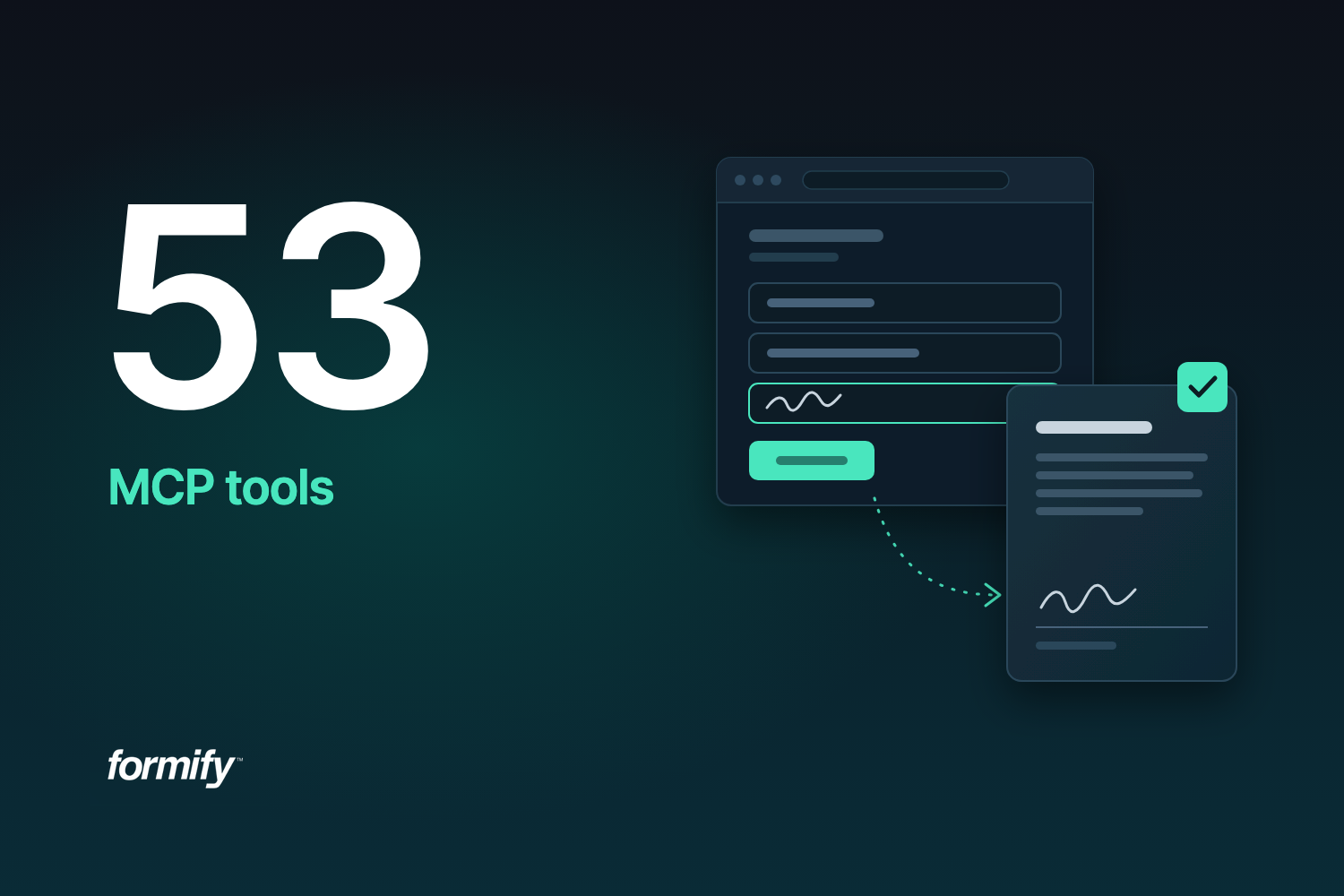
Formify's MCP server now has 53 tools: your AI assistant can put a signing form on your website
Sweden, 21 November 2026
Formify's MCP server now has 53 tools. Three new ones let an AI assistant build a form on a company's own website that ends in a signed document in Formify. The client fills in the form on the website, presses Sign and checks a prefilled document in Formify before signing. No editor, no API key, no code.
What is new
Three tools have been added to Formify's MCP server, bringing it to 53:
get_link_prefillreads which fields of a Formify signing link can be prefilled from a website.set_link_prefill_websiteallows a website and its fields to prefill the link.remove_link_prefill_websiteremoves that permission again.
Together they let ChatGPT, Claude and other AI assistants connect a web form on your site to a Formify signing link.
The paperwork that never got done
You know the pattern. A PDF goes out by email. The client has to print it, or find a laptop, or ask what a field means. The form comes back half done, or not at all, and someone in your office retypes the details into the next document.
For businesses under KYC, anti-money-laundering rules and GDPR, that pile is not optional. The estate agency needs the buyer's identification. The school needs the enrolment. The broker needs client due diligence. The property manager needs the tenant form.
Now that form can sit on your website, in your design and in your clients' languages, and end in a signed document.
Ask your AI instead of building in an editor
Formify is AI-first: you prompt documents instead of building them in an editor. The same idea now reaches your website.
You tell your AI assistant which Formify form you want on your site. The assistant reads the form through Formify's MCP server, builds a web page with the right fields and connects it to your Formify signing link. Before anything goes live, it asks you to confirm the exact website address and the list of fields. Once you have confirmed, the AI allows that website and those fields on the link.
No editor. No API key on the page. No server code.
"Every business has a form that never made it online, because building it took too long. Now you don't build it. You ask your AI assistant, and your clients sign from your own website."
David Nordin, CEO, Formify
What your client sees
- Your client opens the form on your website and fills it in, on a phone or a computer.
- They press Sign.
- Their own prefilled document opens in Formify. They check the details, change anything that is wrong, and sign.
- If the link has ID verification, they confirm their identity with a passport and a video selfie before signing.
The signed document and the signing itself stay in Formify, like every other Formify signature.
Where it works
- ChatGPT: builds the page and publishes it with ChatGPT Sites (available on Plus, Pro, Business and other paid plans, not on Free or Go).
- Manus: can do it as well.
- Claude: builds the page, which you then place on your own website.
- Webflow: works (tested).
- WordPress: guide on the way.
Built to keep your data where it belongs
- The details your client types are not stored when the form is submitted. They travel to Formify in an encrypted token that is valid for 30 minutes.
- Only websites you have approved can prefill a link. The address must use HTTPS and match exactly (with and without www count as two). Each link takes up to ten websites.
- Some fields are never prefilled from your page: signature, ID verification, date, attachments and locked fields, and prices or amounts. Your client sees and signs the real document.
How to get started
- Make sure your form has a Formify signing link. In the app: Links, open the link, "HTML form prefill".
- Connect your AI assistant to Formify's MCP server (53 tools).
- Ask it: "Build a mobile-friendly web form for this link on my website, in English and Spanish."
- Confirm the website and the fields when the AI asks.
Technical guide: developers.formify.eu/guides/html-form-prefill/
FAQ
What is new in Formify's MCP server?
It now has 53 tools. The three new ones let an AI assistant connect a form on your website to a Formify signing link, so your client fills in the form on your site and signs a prefilled document in Formify.
Do I need a developer or an API key?
No. Your AI assistant reads the form through Formify's MCP server and builds the page. There is no API key on the page and no server code to run.
Which AI assistants can build the page?
ChatGPT builds and publishes it with ChatGPT Sites. Manus can do it as well. Claude builds the page, which you place on your own website. It also works in Webflow (tested), and a WordPress guide is on the way.
Is my client's data stored on my website?
No. The details go straight to Formify in an encrypted token valid for 30 minutes and are not stored when the form is submitted. The signing and the signed document stay in Formify.
What does it cost?
Formify has no pricing plans. Formify signing links are paid with credits per active link and month, and the prefill from your website costs nothing extra.
Put your next form on your website. Ask your AI assistant to build it, and let your clients sign in Formify.
About Formify
Formify AB is a Swedish company that provides e-signing and forms for small and medium-sized businesses in Europe. Formify is AI-first: customers prompt their documents instead of building them in an editor. Formify's MCP server has 53 tools and works with ChatGPT, Claude and other AI assistants. More at formify.eu.


